If you need to plan a conference in Kota Kinabalu, the city offers a purpose-built convention centre, international hotels and an airport with regional connections. This guide walks through the key decisions — venue, programme, AV, recording and photography — so your conference runs smoothly and its content lives on after the event.
Conference Planning Timeline
- 6–12 months before: define objectives, audience and budget; book the venue.
- 4–6 months before: confirm keynote speakers, programme structure and sponsors.
- 2–3 months before: open registration; book AV, photography and videography.
- 1 month before: finalise the programme, speaker slides and room plan.
- 1 week before: share the final run-down with all suppliers and hold a briefing.
Choosing a Conference Venue in Kota Kinabalu
Your delegate numbers and programme format decide the venue more than anything else.
Large conferences
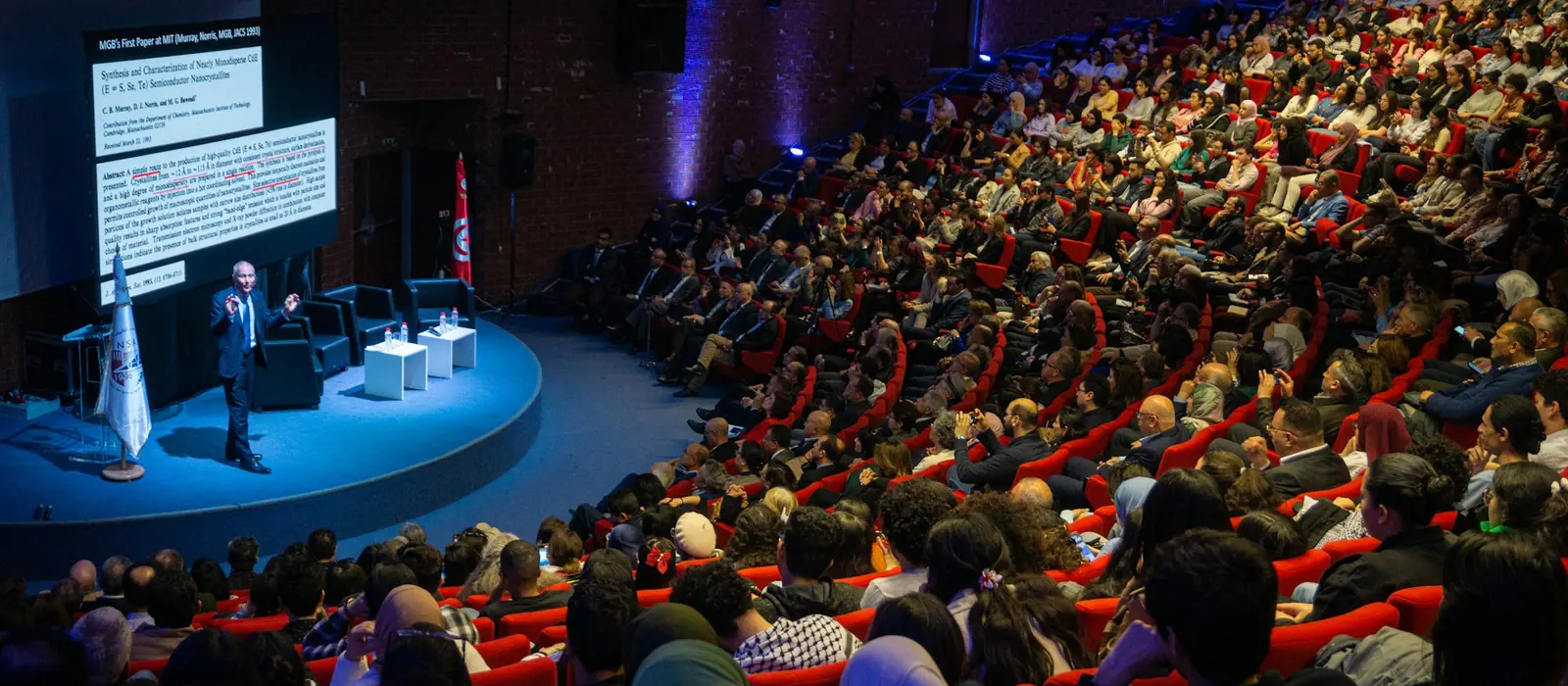
The Sabah International Convention Centre (SICC), opened in 2020 on the city waterfront, is the largest convention centre on Borneo island. It offers a divisible convention hall, exhibition halls, meeting rooms and a performance arts hall — suitable for large conferences with exhibitions and parallel sessions.
Hotel conferences
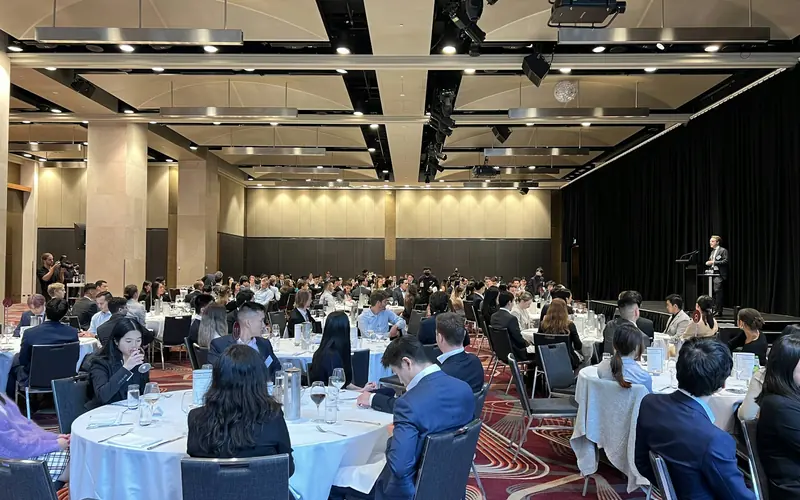
For smaller conferences, seminars and corporate summits, city hotels offer ballrooms and meeting rooms with in-house catering and accommodation in one place — convenient for out-of-town delegates.
What to check
- Main hall capacity in theatre or classroom layout
- Number of breakout rooms for parallel sessions
- In-house AV: screens, sound system, microphones and stage lighting
- Space for registration, exhibition booths and networking
- Accommodation and transport for out-of-town delegates
Plan Your AV Early
AV problems are the most visible problems at any conference. Confirm with the venue or AV provider:
- Microphones for each speaker and panellist, plus audience microphones for Q&A
- Screen size and position that everyone in the room can see
- Stage lighting — essential for good photos and video
- An audio output from the mixer for recording, if you plan to film sessions
That last point is often forgotten. A direct feed from the sound system is the easiest way to get clear speech in your recordings — see professional event audio.
Decide What to Record — and Why
Decide early whether you need full recordings of every session, only the keynotes, or a highlight video. The answer changes the crew, cameras and budget. Our guide on highlight video vs full event recording explains the trade-offs.
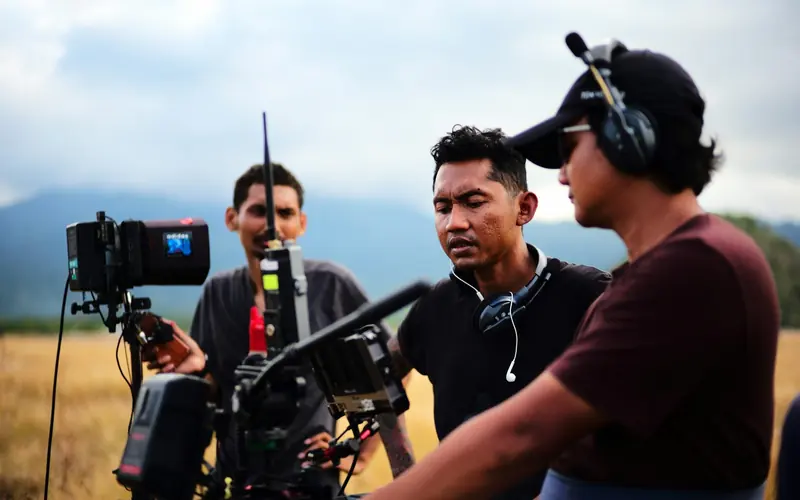
For keynotes and panels, multi-camera recording keeps videos watchable: a wide shot of the stage, a close-up of the speaker and audience reactions. Remember that each parallel session room needs its own crew.
Get speakers' consent before recording and publishing their sessions, and ask whether their slides can be shared.
Plan Conference Photography
Photos are needed for press releases, sponsor reports and next year's marketing. Include in your shot list:
- Opening ceremony and VIP arrivals
- Every keynote speaker and panel
- Delegates networking and at the exhibition
- Sponsor booths and branding
- Group photos of speakers and the organising committee
Read our corporate event photography checklist for a full preparation list.
Hybrid Conferences and Live Streaming
If some of your audience will join online, plan the live stream as part of the programme rather than as an extra. A stable internet connection at the venue, a dedicated audio feed and at least one camera locked on the stage are the basics.
Decide whether online viewers will only watch, or also ask questions. Two-way participation needs a moderator and a way to show online questions to speakers. Live streaming can be discussed as part of your coverage and is quoted separately, because the set-up depends on the venue and platform.
Event-Day Tips for a Smooth Conference
- Hold a short technical rehearsal the day before or early in the morning
- Give every supplier the same final run-down and a single on-site contact
- Keep one person responsible for timekeeping in each hall
- Have a backup plan for presenters whose laptops or slides fail
- Brief the emcee on photo moments such as group photos and plaque presentations
Main Conference Budget Categories
Every conference is different, but most budgets fall into the same categories. Listing them early helps you see where the money goes and where you can save:
| Category | Typical items |
|---|---|
| Venue & catering | Hall rental, breakout rooms, coffee breaks, lunch, dinner |
| AV & staging | Screens, sound system, microphones, stage, lighting |
| Speakers | Honorariums, flights, accommodation, local transport |
| Marketing & registration | Website, registration system, printed materials, name tags |
| Content capture | Photography, videography, audio recording, editing |
| Contingency | Typically a percentage of the total for unexpected costs |
Think About the Delegate Experience
Delegates remember the small things: how long registration took, whether the room was too cold, whether they could hear the Q&A. A few details make a big difference:
- Clear signage from the entrance to registration and each hall
- Enough registration staff for the morning peak
- Name tags large enough to read across a table
- Short breaks between sessions so rooms can reset on time
- Audience microphones for Q&A so questions can be heard — and recorded
Common Conference Planning Mistakes
- Booking AV and video too late. Good crews and equipment are booked early during busy conference periods.
- No recording plan for parallel sessions. If three halls run at once, you need three crews — or a clear decision about which sessions are recorded.
- Speaker slides arriving on the day. Collect slides in advance to avoid technical delays and to help your video team.
- Ignoring the audio feed. Recording speeches from a camera microphone at the back of the hall rarely produces usable sound.
- No plan for the content afterwards. Decide before the event who will publish recordings and photos, and where.
Make Your Conference Content Work After the Event
A conference produces valuable content. Plan how to reuse it:
- Publish keynote recordings for members or on YouTube
- Share a highlight video to thank sponsors and promote next year's event
- Post speaker soundbites as social media clips
- Use photos in your post-event report and press release
Planning coverage in Kota Kinabalu? See our conference and seminar videography service.